
CASE STUDY — APPARA · LEGAL PRACTICE SOFTWARE
One home screen, four very different areas of law. Designing a dashboard that flexes by practice area — without turning into four separate products to build and maintain.
MODULAR DASHBOARD
TL;DR
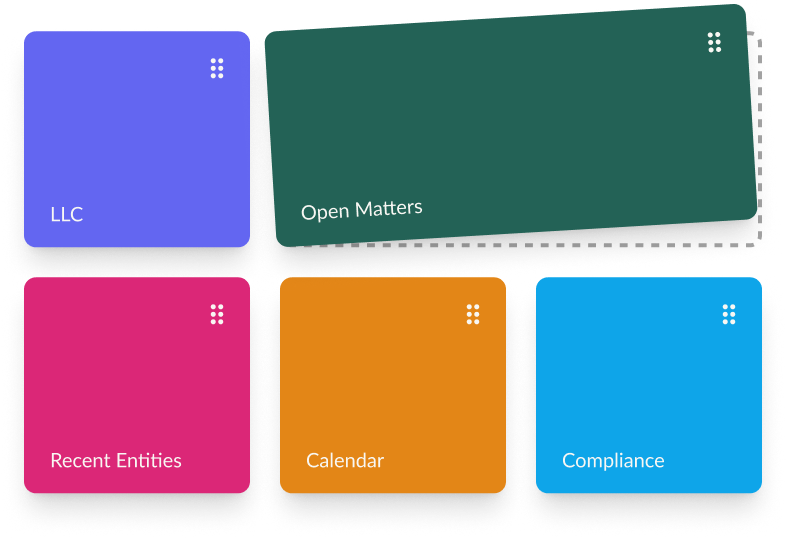
Appara is an all-in-one legal platform, so the home dashboard has to represent 4+ practice areas at once. A single static layout couldn't do that without either overwhelming people or under-serving them. So we built a modular system: a shared set of dashboard "blocks" (or widgets) that the user can choose from, flexible enough to feel custom and constrained enough to actually ship.
- Project Manager: Frankie Radner
- Product Designer: Frankie Radner
- Lead Developer: Josh Dollinger
The Problem.
Appara covers several core areas of law — corporate, real estate, estate planning, and estate administration. Being all-in-one is the whole pitch, but it means the home dashboard has to be useful to every one of those users, all with varying requirements.
A static dashboard couldn’t meet those needs. What matters to a real estate lawyer tracking closings is barely related to what a corporate paralegal needs to see about entity filings, expose the wrong information and the dashboard reads as a useless billboard instead of an interactive tool.
The Process.
01/ FIND THE PATTERNS
Mapped what each core area actually needs to see day-to-day, then looked across all four for what repeats — recently viewed entities, upcoming dates, active matters — versus what's genuinely area-specific.
02/ DEFINE MINIMUM LEVEL OF COMPLEXITY
Using the patterns identified, we had to find the middle ground between flexibility that met the users needs and technical feasibility.
03/ BUILD + TEST
Launching the first beta iteration to a few users we were able to test the dashboard in the real world, with real user data. One thing we noticed quickly was just how much data users had and quickly had to adjust to add pagination to the Open Matters widget to improve the load time of the dashboard.
The Result.
Flexible, not custom-built
A dashboard that can be configured per user without needing a bespoke build for every practice area.
Only what's relevant
Each user sees the information tied to their work — nothing they don't need cluttering the view.
Responsive by default
The modular layout holds up across screen widths, from a full desktop view down to a narrow window.
Doubles as navigation
Quick links to frequently used areas — like recently viewed entities — turn the dashboard into a shortcut, not just a summary.